
Welcome to the Billing configuration section, a pivotal component in our platform infrastructure. In this segment, we delve into the intricacies of Billing codes, Entities, Payers, and Clearinghouses – integral facets interwoven to streamline the billing process.
Billing codes
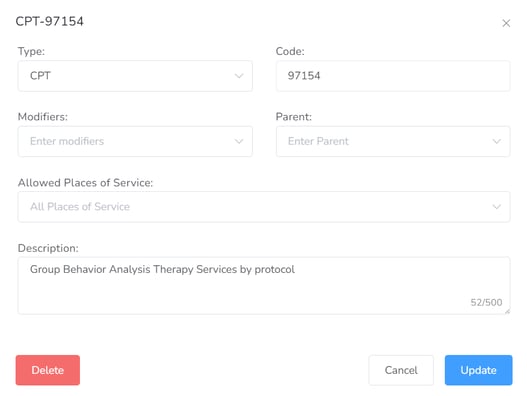
This section is to keep track of all the Billing Codes for the agency.
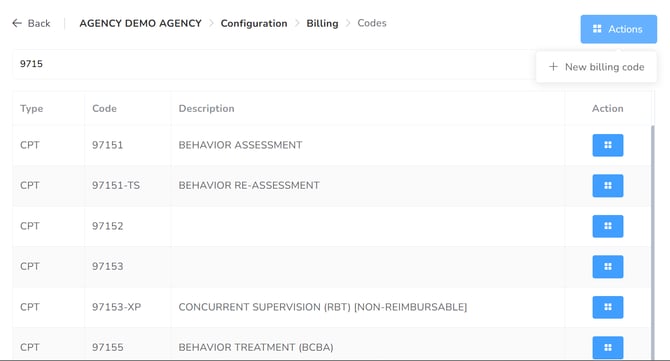
Click on New billing code to add a new code.
Entities
This section is to keep track of and add all the billing Entities for the agency.
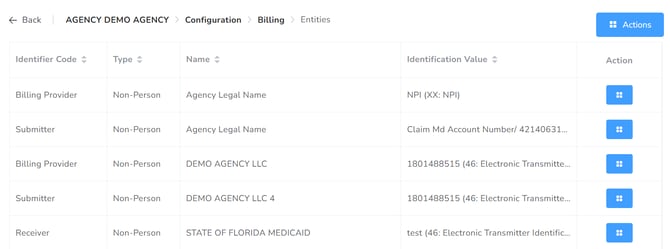
By clicking on Actions > New Billing Entity, you can create it.
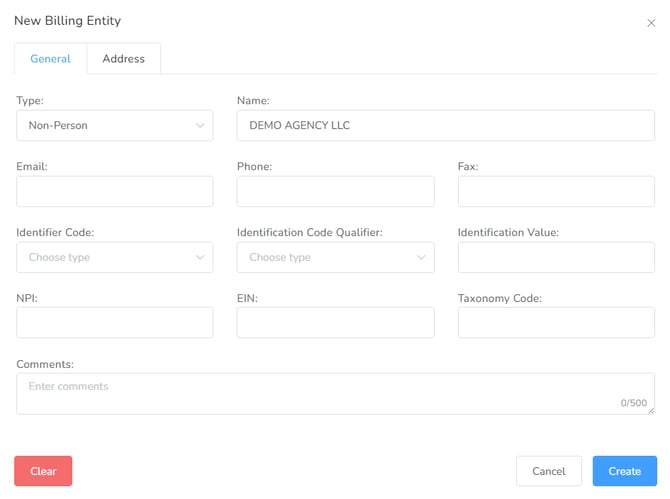
- We suggest configuring this section with the assistance/help of your Account Manager
Payers
In this section, you can add and review the different Payers the agency has under contract.
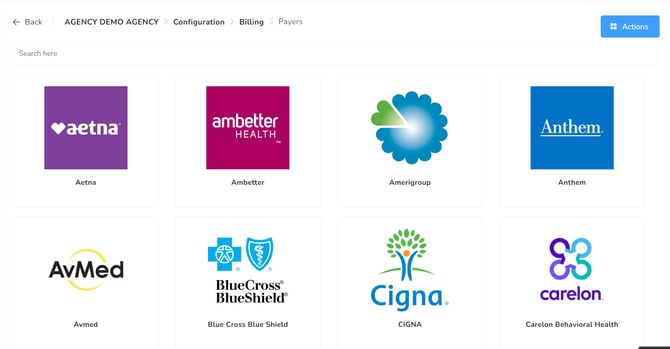
By clicking on “+New”, you will be able to add a new Payer to the agency.
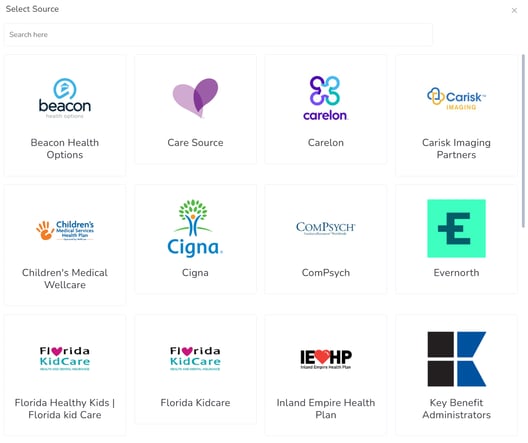
Then you can choose from Catalog or Manual.
If you choose Catalog, you need to select from the provided list. You can use the Search box to speed it up.
If you choose Manual, in the New payer window, you can type different fields of the General, Address, and Configuration tabs:
- General tab: Name, Email, Phone, Fax, Website, Description.
- Address tab: Lines 1 & 2, City, State, Zip code, Country.
- Configuration tab: External ID and the Allowed Clearing Houses.
Once you’ve added the Payer, you can proceed to configure the billing codes and rates.
– Health Plans
By clicking on Actions, you will have access to create a “+New Health plan”.
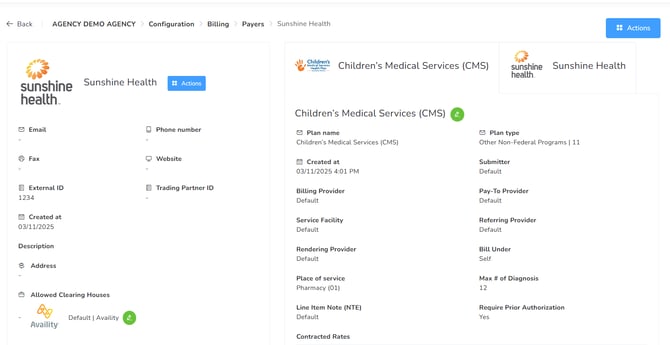
In that window, you can select the Plan name, select the Plan type, and add the comments you require. Also, you will be able to add the new rates to your Billing Code section’s list.
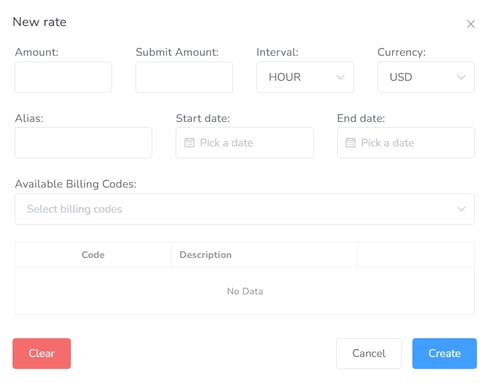
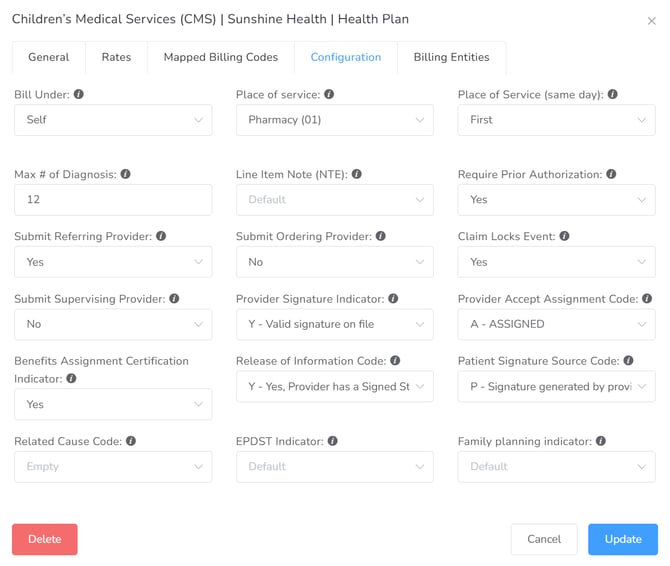
There you can add the Configuration of the Health Plan:
Clearing houses
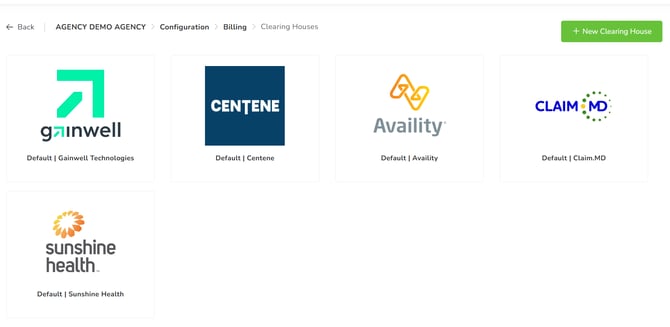
In this section, you can add and review the different clearinghouses the agency uses.
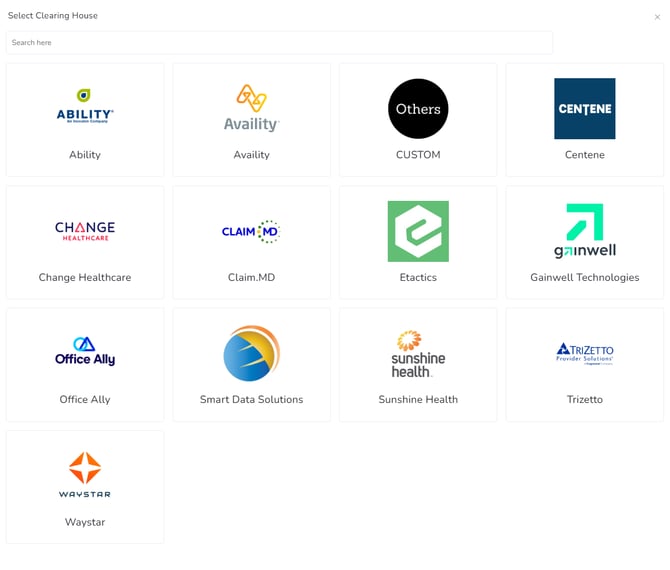
By clicking on the +New Clearing House green icon, you can select from the available options which one your agency employs.
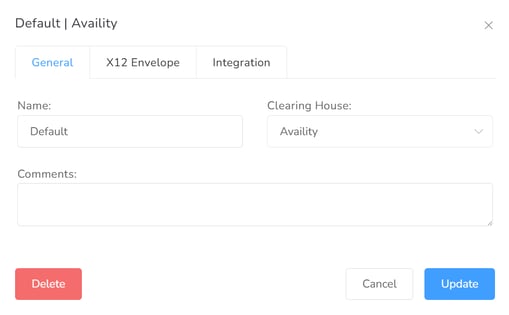
Each clearinghouse setup is managed through three distinct tabs:
-
General: Use this section to define the Name, Clearinghouse type, and any internal Comments.
-
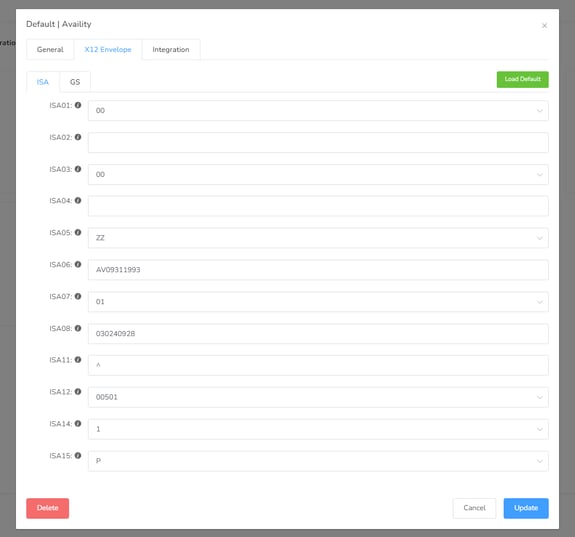
X12 Envelope: This tab displays the standard clearinghouse configuration. Most fields are pre-filled, but certain values should be managed using placeholders to ensure data integrity.
-
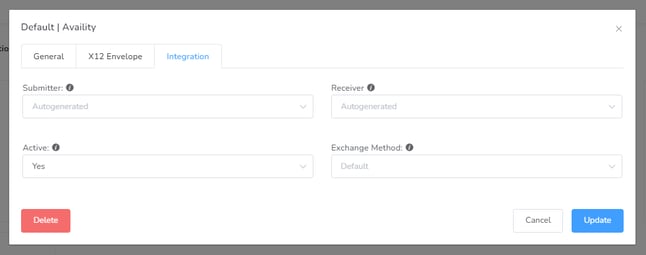
Integration: In this section, you must add the Submitter and Receiver information. You may also specify an Exchange Method to allow our platform to send files directly to the clearinghouse.