
Since some documents are created automatically when an event is created, while others are not, here are the steps for creating a document from the Client/User Documents section.
Step 1 – Access the User/Client’s Dashboard.
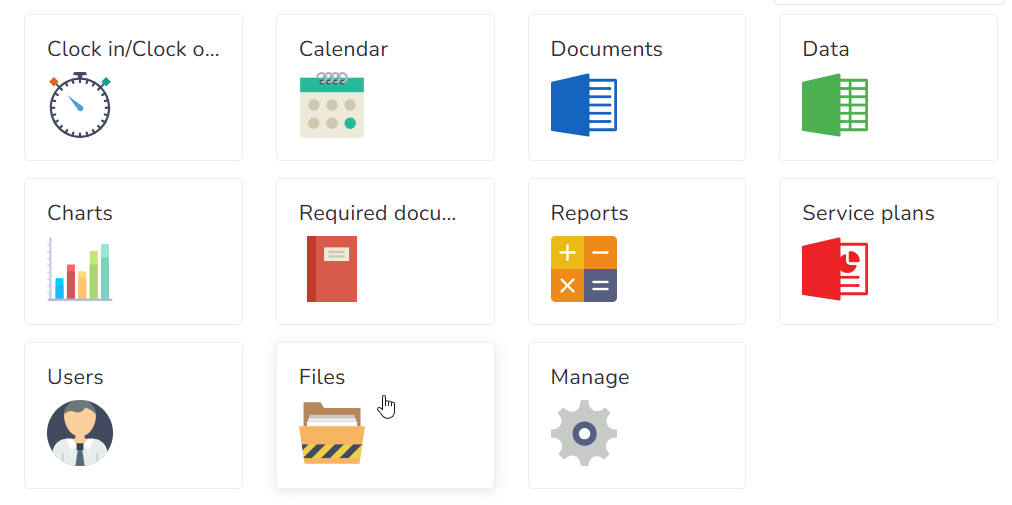
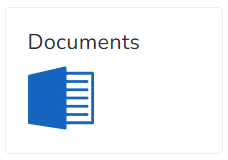
Step 2 – Click on the Documents button.
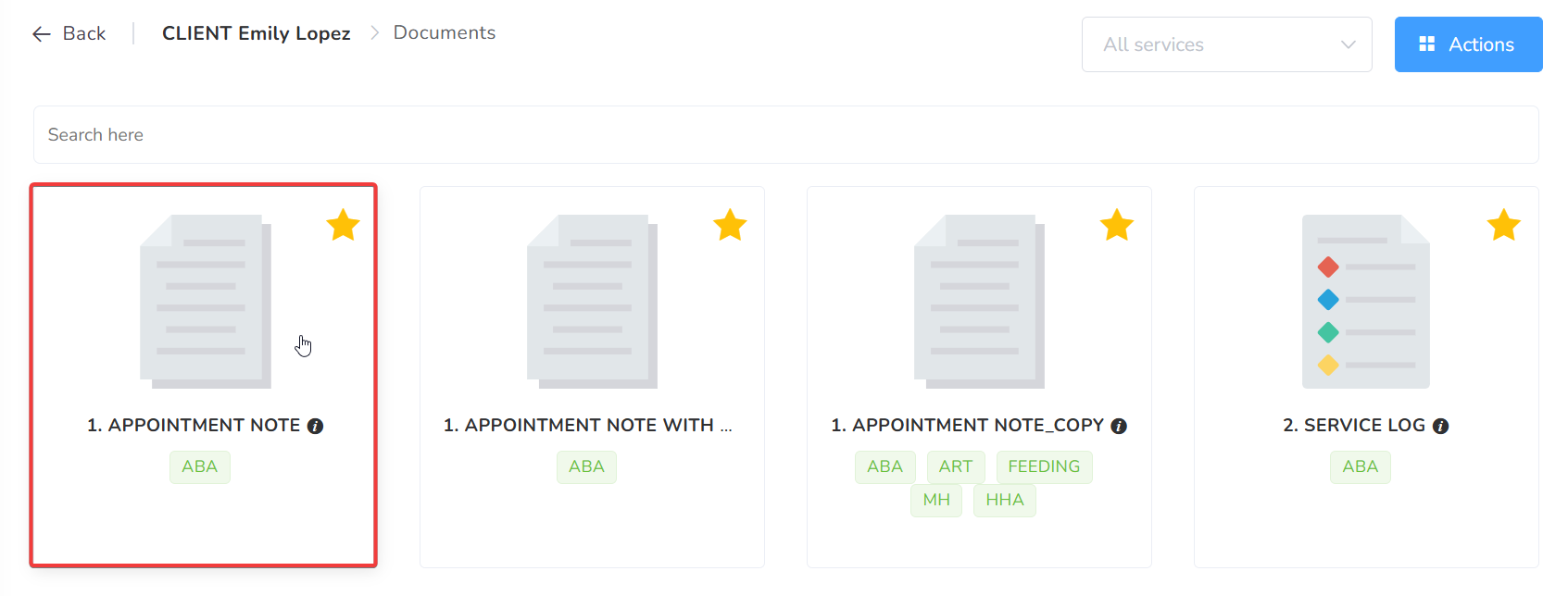
Step 3 – Click on the kind of document you want to create.
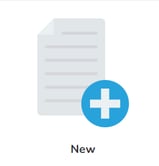
Step 4 – Click on New.
Step 5 – On the Date box, you search for the day you want to create the document. If necessary, you can also switch users/clients. In the "Linked Events" tab, you can review the events that would be linked to it, if required.
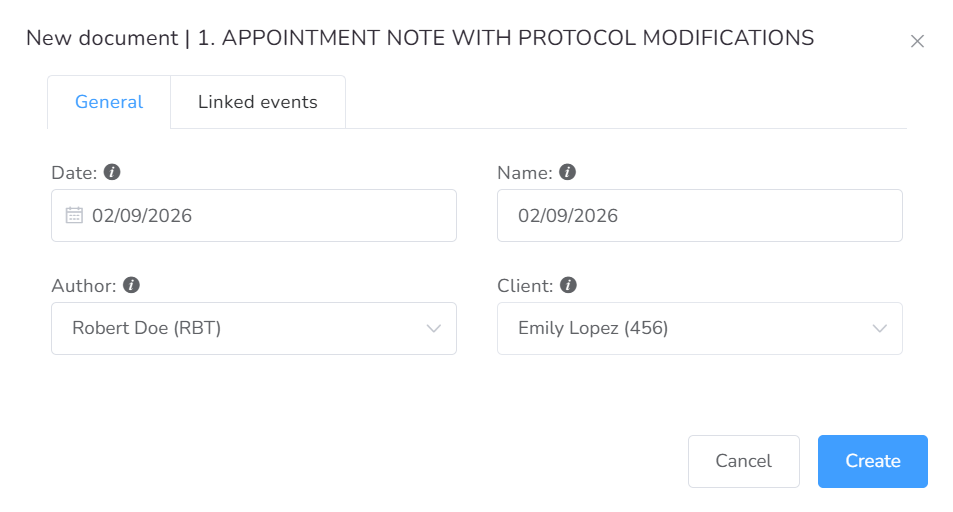
Step 6 – Once all is set, click on the Create button.
Now the document is created, and you can proceed to compose it.