
What you'll do
With the client's profile in place, add their insurance, any prior authorizations, and the staff who will work with them.
Before you start
- Add the client first (see Add a Client), and set up their payer and health plan (see Payers and Contract Rates).
- Have the client's insurance details and any prior authorizations, with the approved units per billing code.
Video walkthrough
Step by step
Add insurance
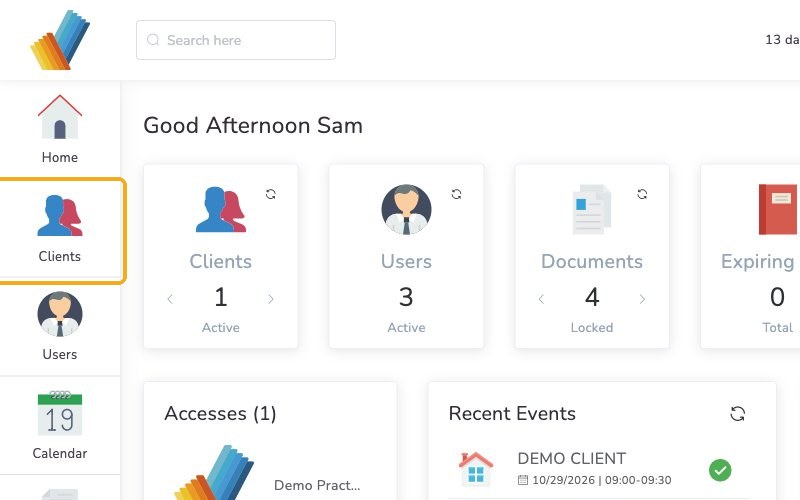
From your Home page, click Clients in the left menu.
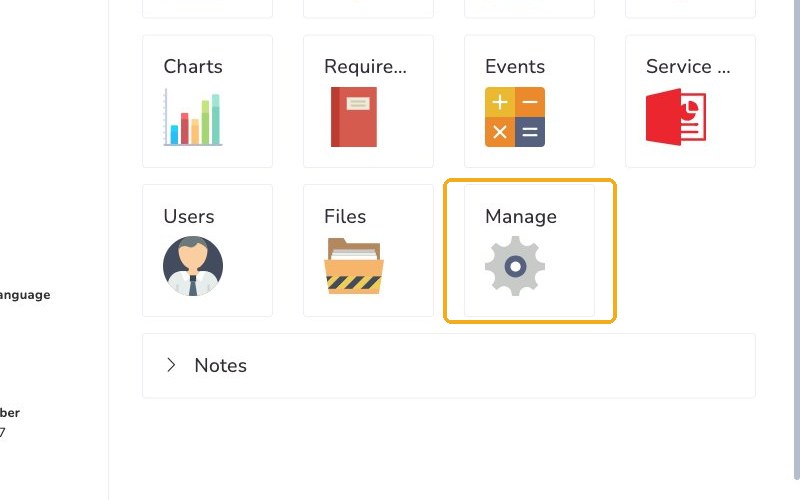
Select the client, then select Manage.
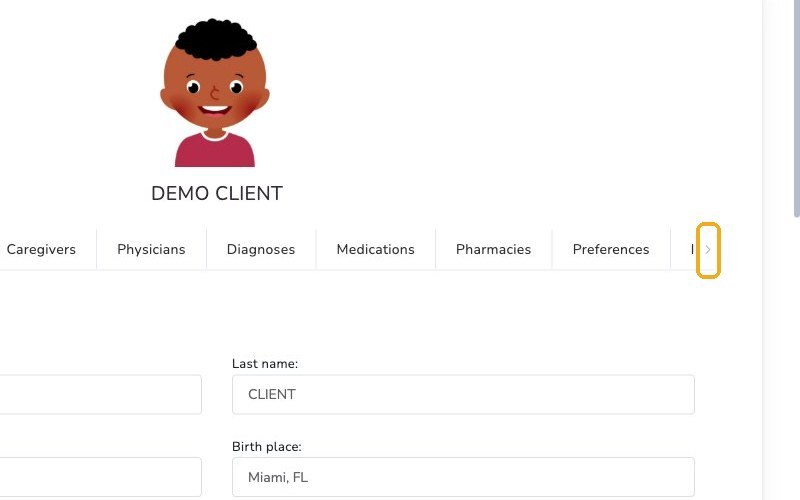
Click the arrow at the end of the tab row to see more tabs.
Select the Insurances tab, then click New insurance. Click Choose payer to see your health plans.
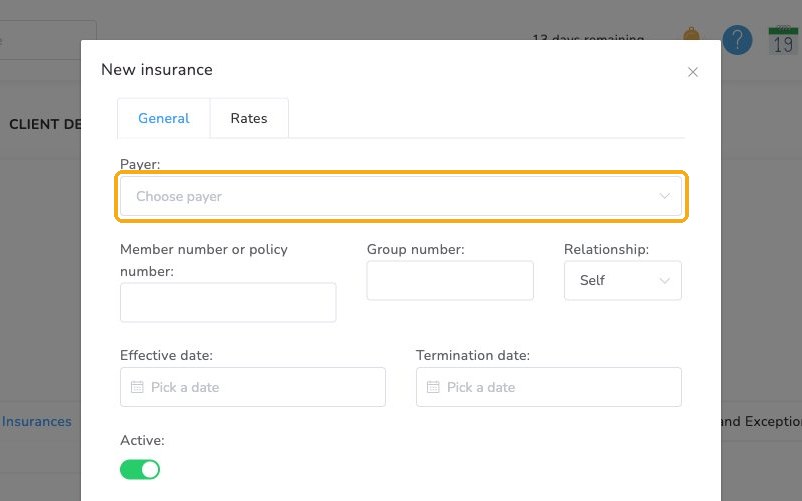
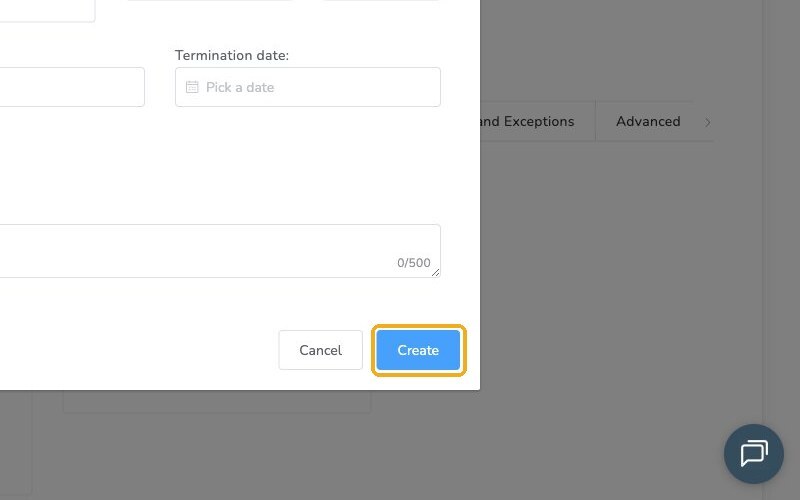
Fill in the client's insurance and health plan details. Then click Create.
Coverage isn't verified
Office Puzzle doesn't verify coverage. It only uses this information for claims.
Add a prior authorization
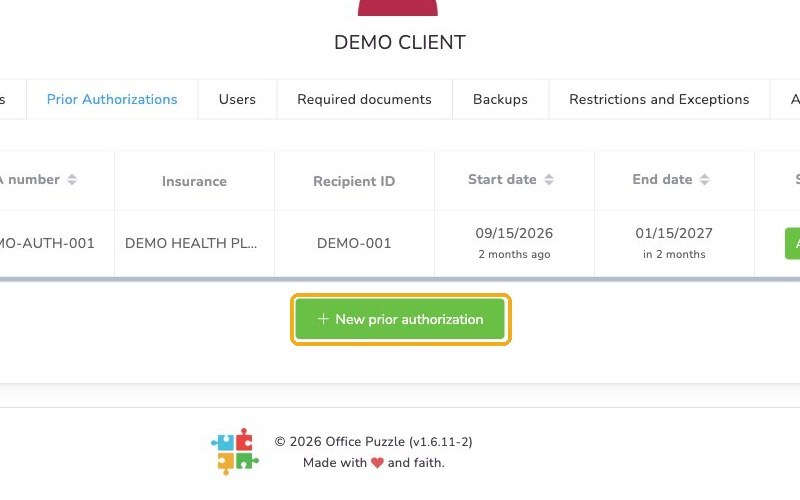
Select the Prior Authorizations tab, then click New prior authorization.
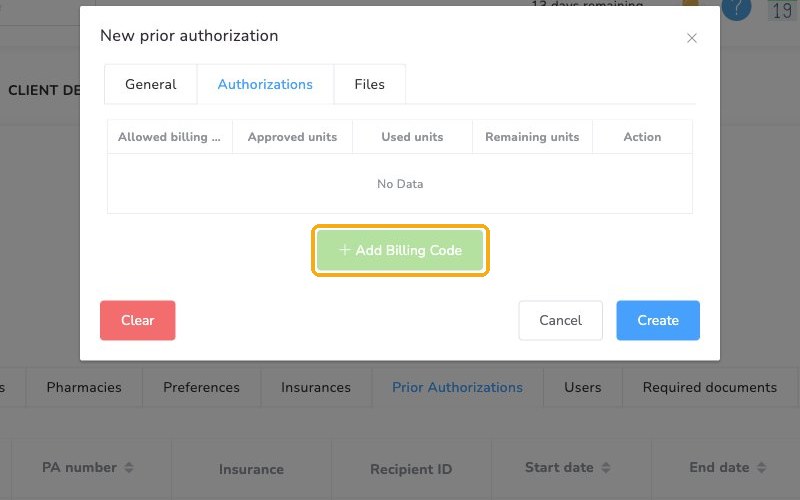
In the window, select the Authorizations tab. Click Add Billing Code and enter the units approved.
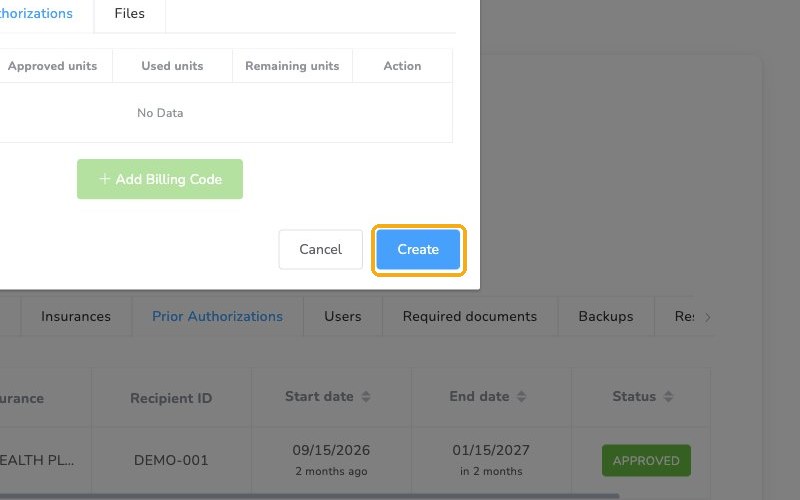
Click Create.
Link the care team
On the Users tab, click Add to add the staff who will work with this client.
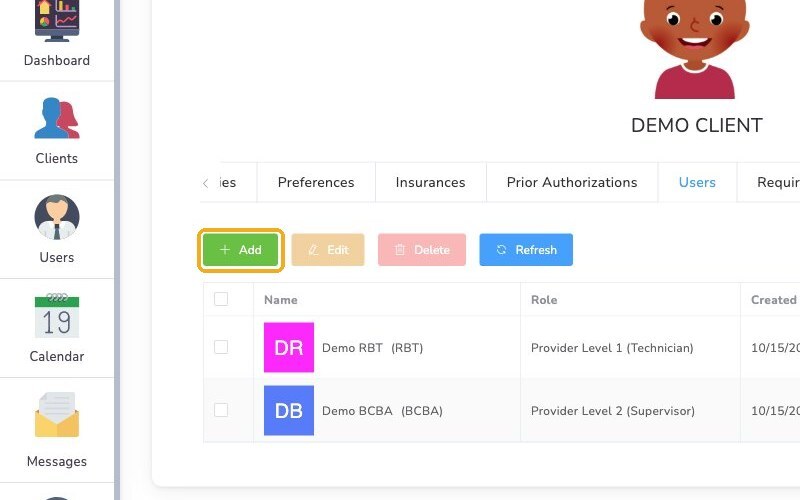
Choose a role for each one:
- Provider Level 1 (RBTs): View the client and be assigned events
- Provider Level 2 (BCBA supervisors): Also change the service plan
- Admin (Staff who don't provide services): View the client's information
Check it worked
- The health plan appears on the client's Insurances page.
- The prior authorization is listed on the Prior Authorizations tab.
- The client's Users tab lists their staff, each with a role.
Watch out for
- Hidden tabs. Insurances and Prior Authorizations are past the end of the tab row. Click the arrow to see them.
- Coverage. Office Puzzle doesn't check it, so confirm coverage with the payer yourself.