
What you'll do
Set up the clinical documents every client needs on file before therapy can start, like a Medical Necessity letter, an intake form or a medical referral. Every client you add gets the same checklist automatically, and Office Puzzle tracks what's missing and what's about to expire.
Before you start
- Know which documents every client needs, and which only apply to some clients.
Video walkthrough
Step by step
Add your documents
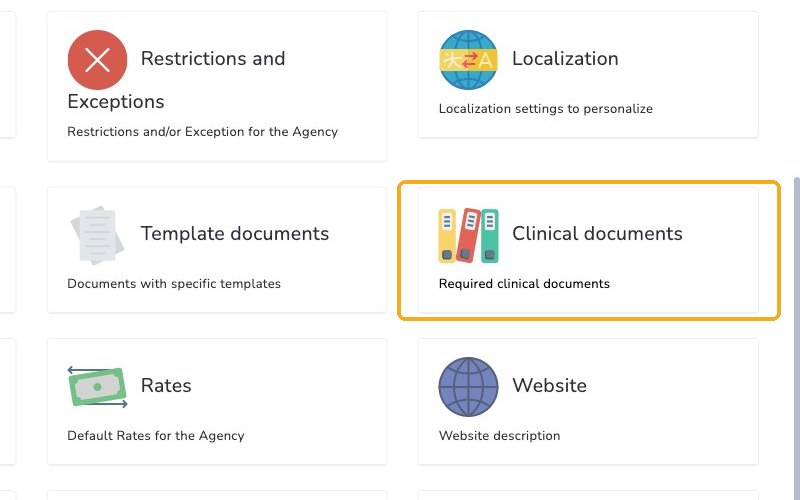
From your Home page, under Accesses, click your agency's name to open your Agency Dashboard. Click Configuration, scroll to the bottom and click Clinical documents.
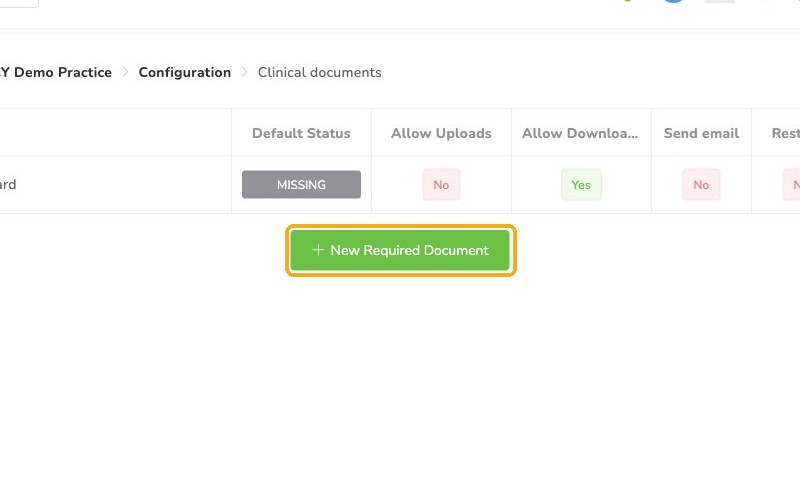
Click New Required Document. You can choose Templates, Office Puzzle presets, or Manual.
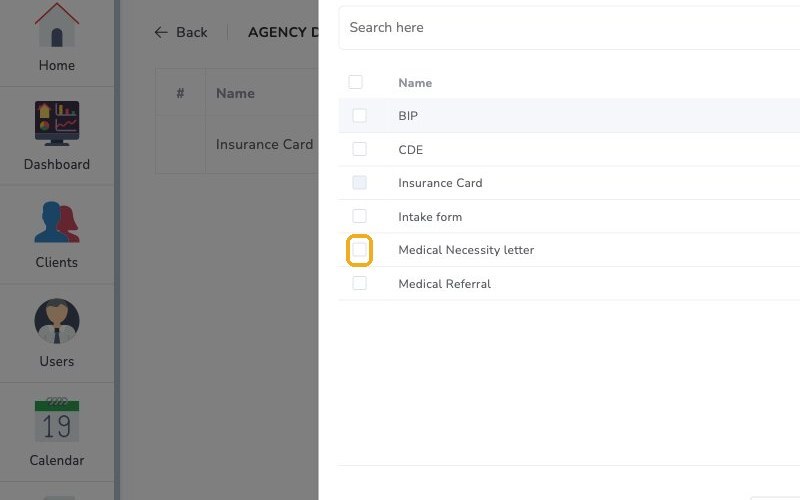
Check the documents you need in the Office Puzzle presets, like Medical Necessity letter, then click Add. You can add several at once.
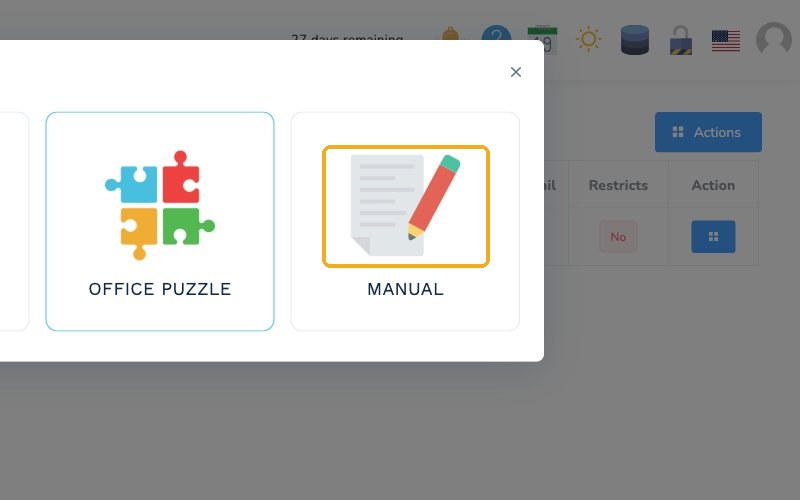
If your agency uses its own form, like a consent form, choose Manual, give it a name and click Create.
Set up each document
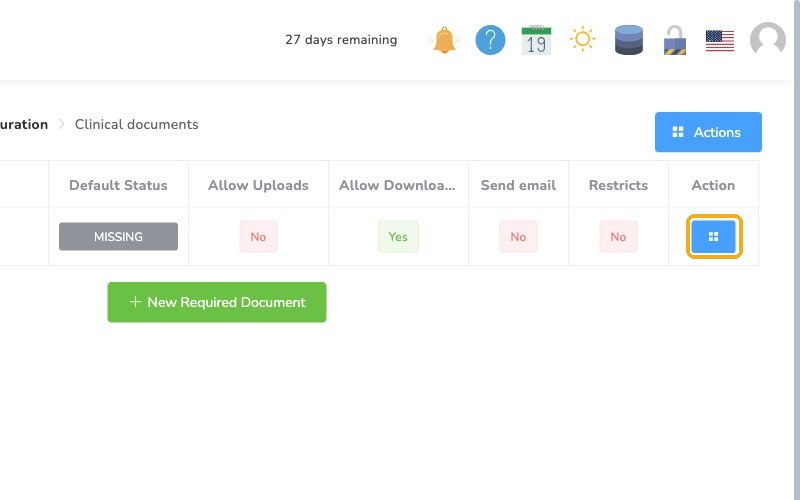
To fine-tune a document, click the Actions button on its row, then select Edit.
Select the Configuration tab. Default Status is where every new client starts. Leave it on Missing for documents every client needs, so they show up as outstanding. If a document only applies to some clients, set it to Ignored.
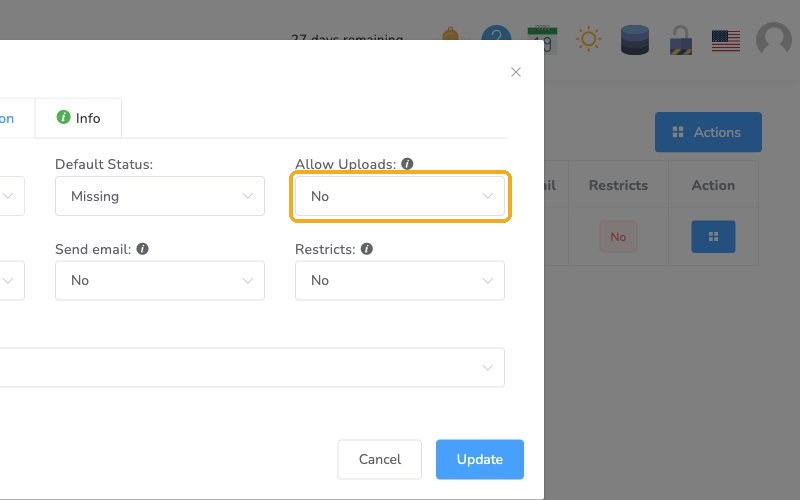
If your BCBAs or RBTs collect documents from families, turn on Allow Uploads so they can add them to the client's file. When it's off, only admins can upload. Allow Downloads works the same way.
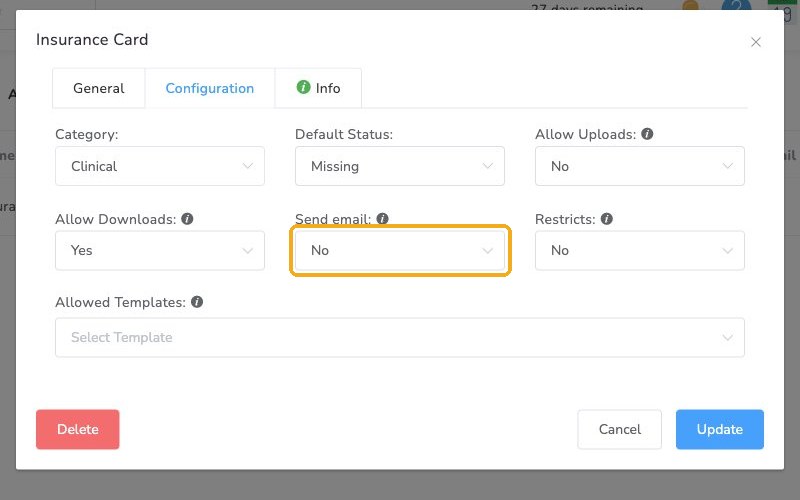
Turn on Send email to warn your team before a document expires. Reminders go out once a week to every provider linked to that client.
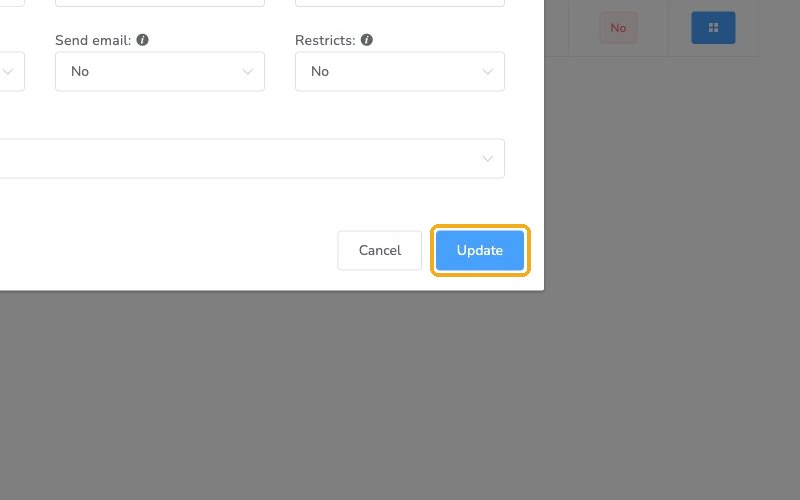
Click Update to save.
Check it worked
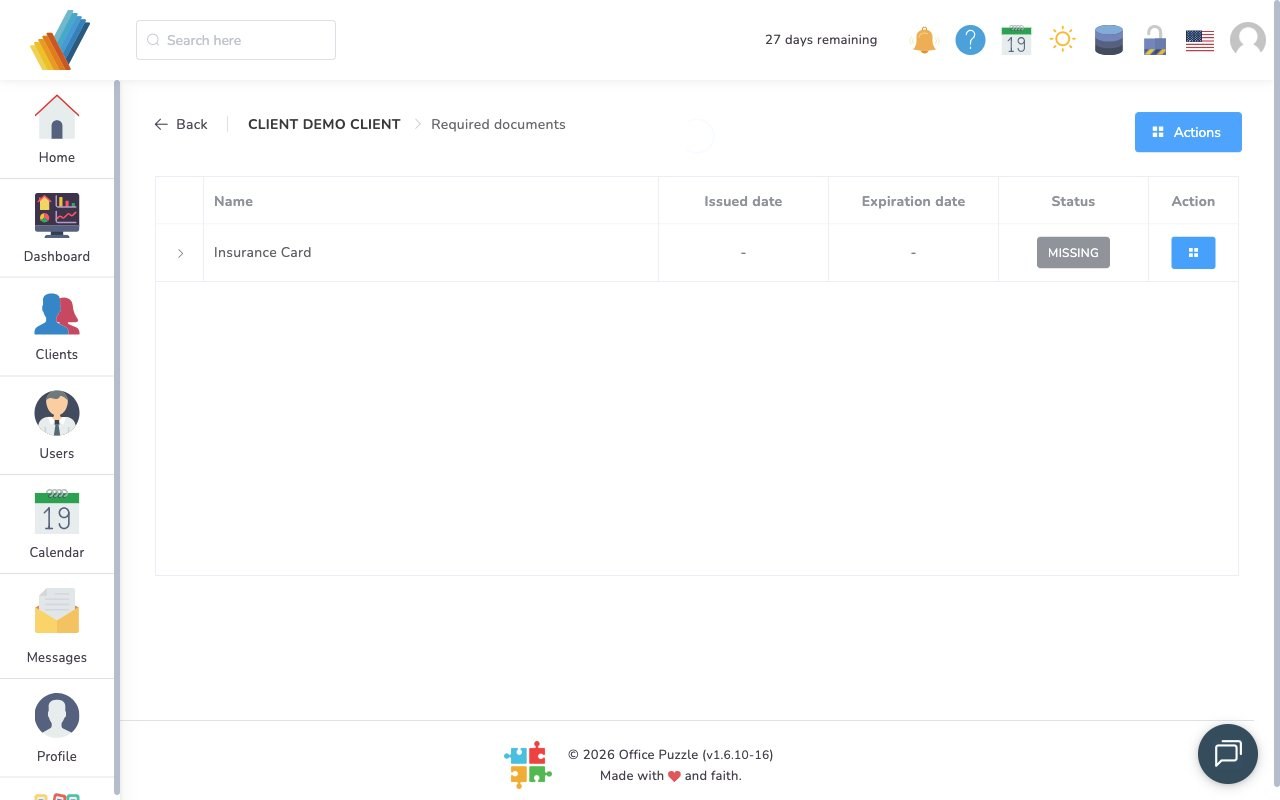
- On a client's dashboard, click Required documents. It lists every document on your checklist, with its issued date, expiration date and status.
Watch out for
- A document doesn't apply to a client. An admin can mark it Ignored on that client's Required documents list.
- Default Status set to Ignored. Documents every client needs won't show as outstanding.
With billing, visit rules and required documents in place, the key pieces of your account setup are done. You can fine-tune other settings anytime.