
What you'll do
Set what you pay each user for each billing code.
Before you start
- Add the user first (see Add Your Staff).
- Know what you pay this user, and for which billing codes.
Video walkthrough
Step by step
Add a rate
From your Home page, click Users in the left menu. All staff appear on this page.
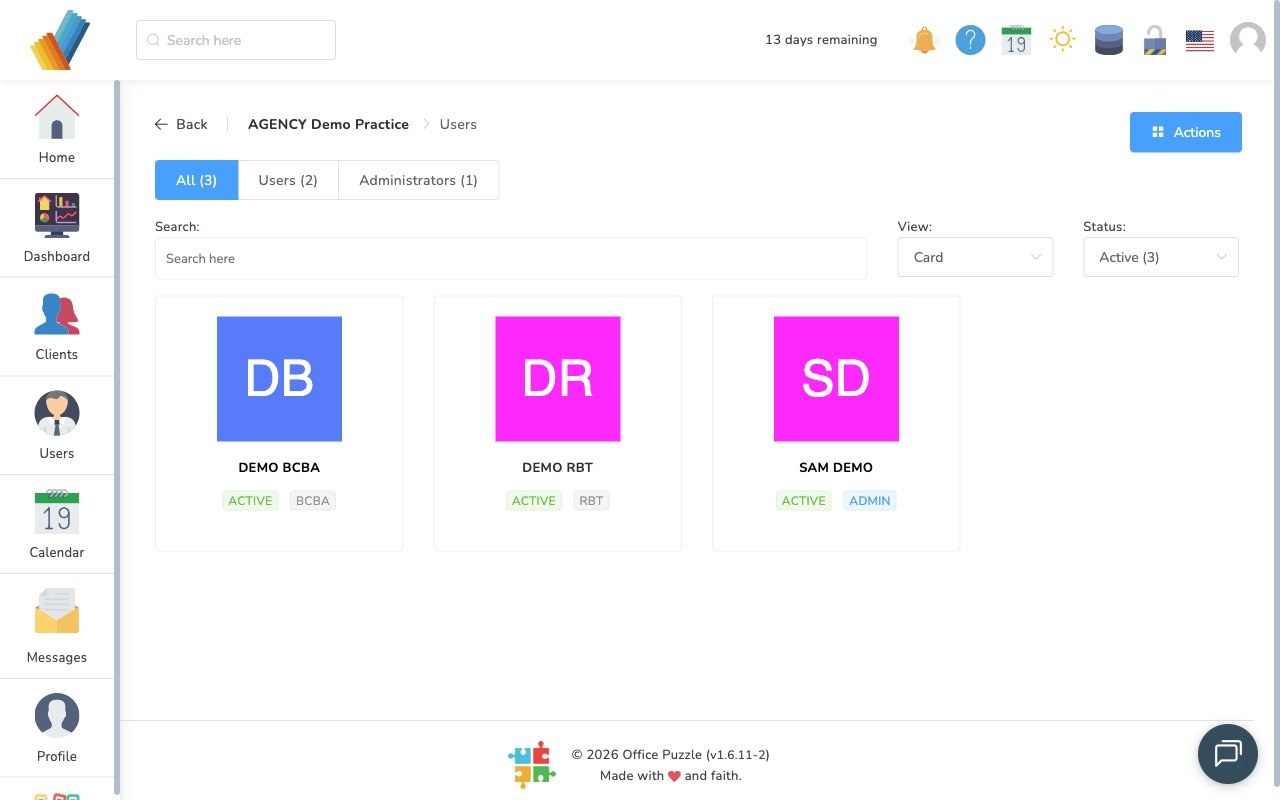
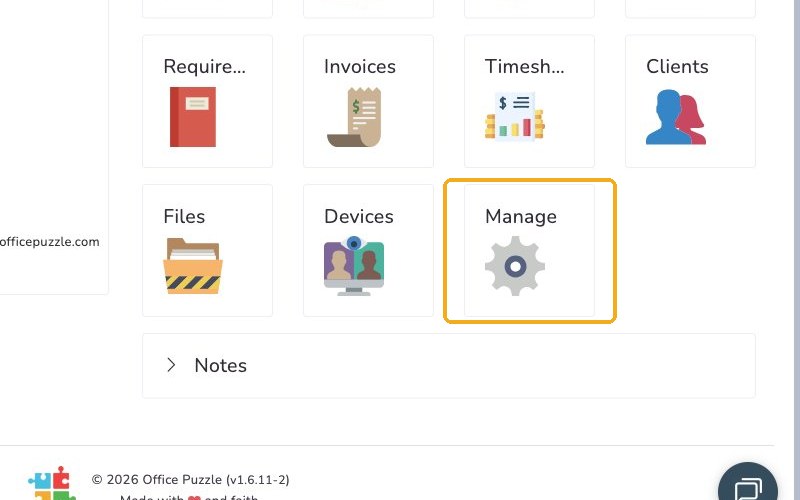
Click the user, then select Manage.
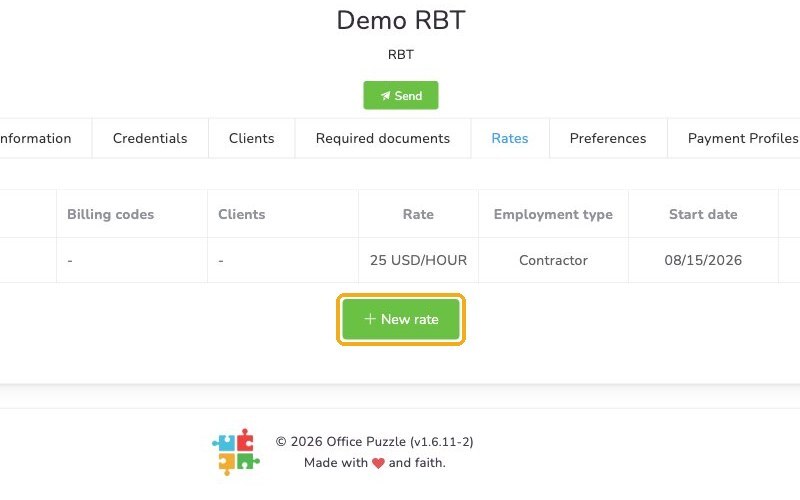
Select the Rates tab and click New rate.
Enter the Amount, choose the Interval, then choose the billing codes this rate applies to.
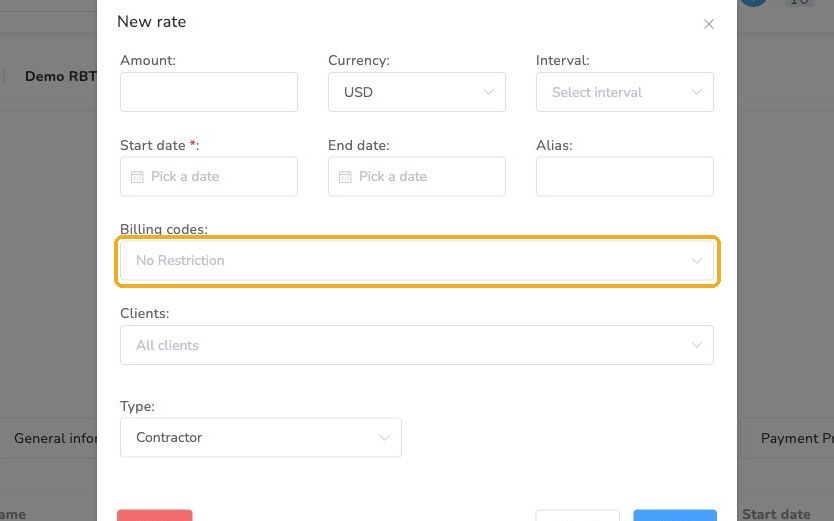
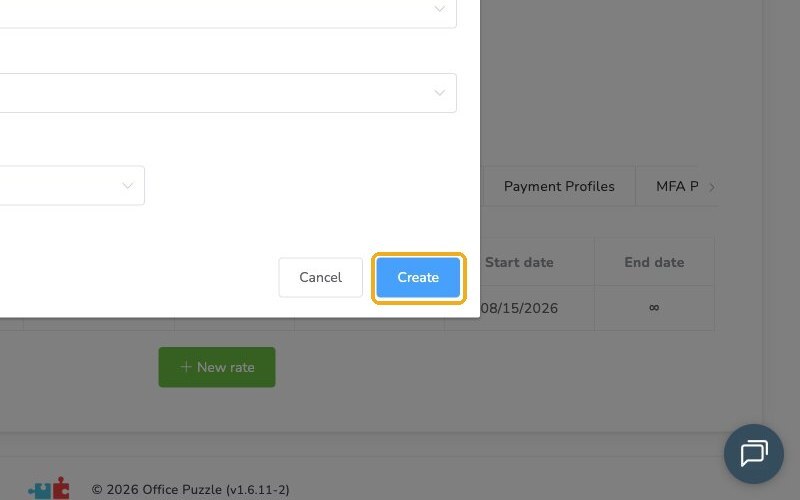
Click Create.
Check it worked
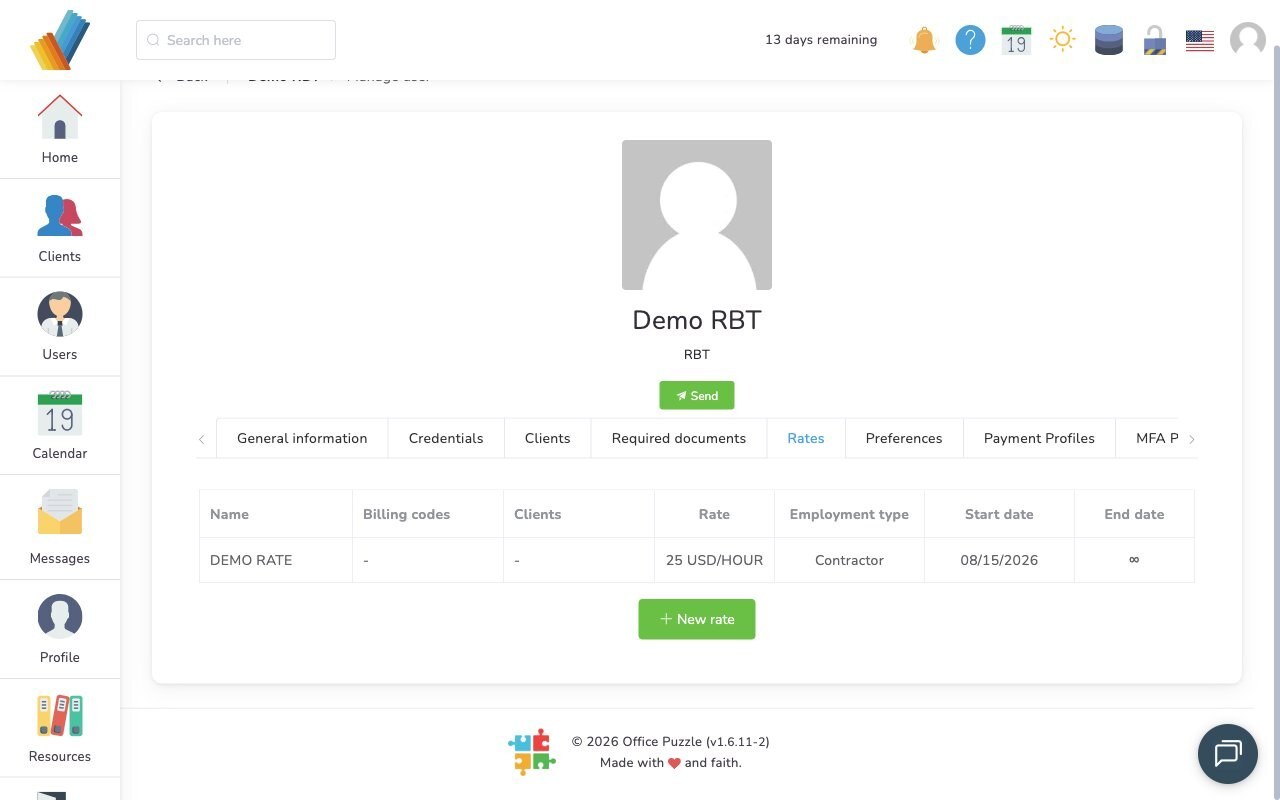
- The new rate appears on the user's Rates tab.
Watch out for
- One rate per code. Use New rate to add a rate for each billing code this user provides.