
On this page, you will see the list of all the users available for the agency. You can click on top of it and access their dashboard.
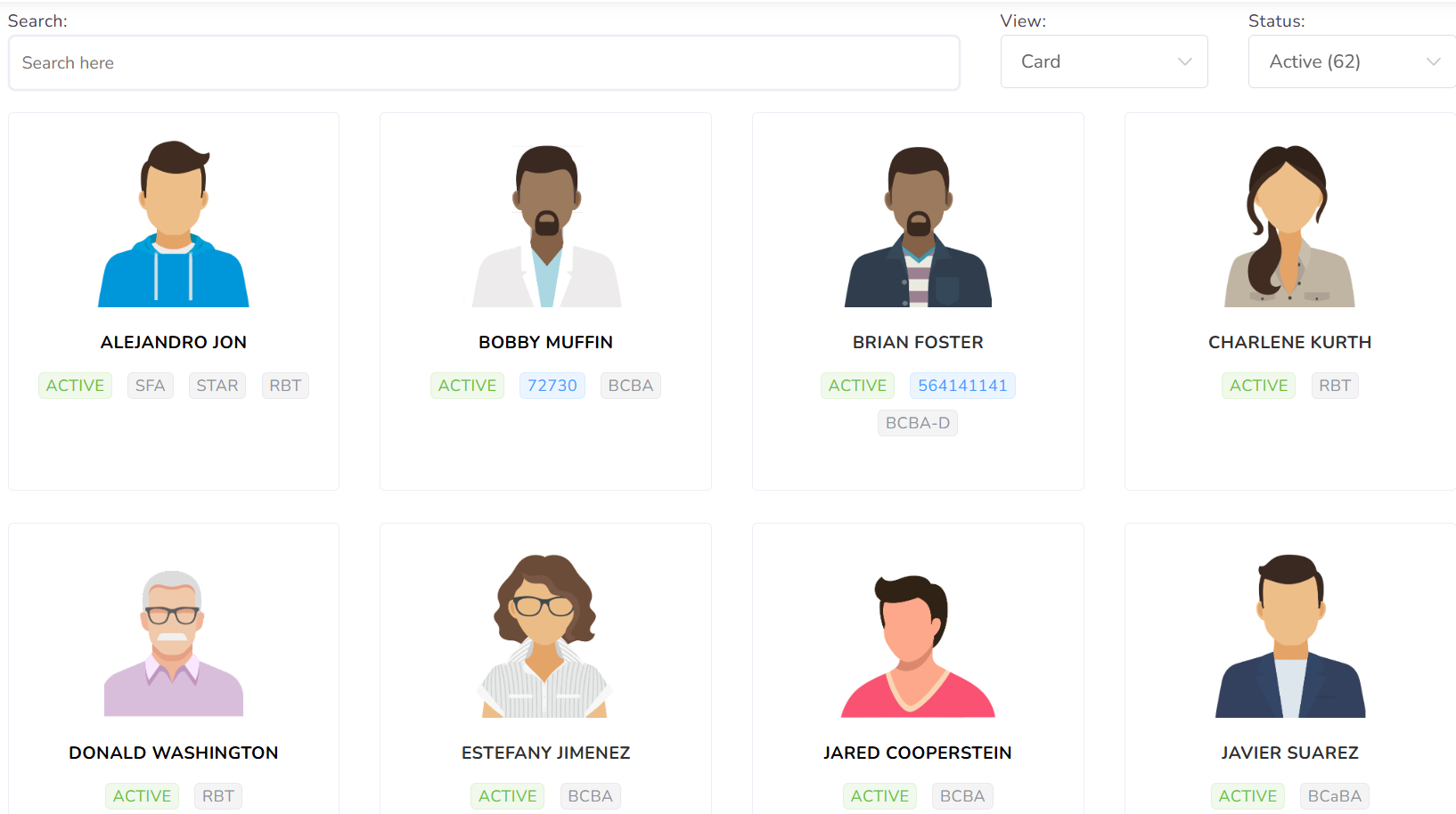
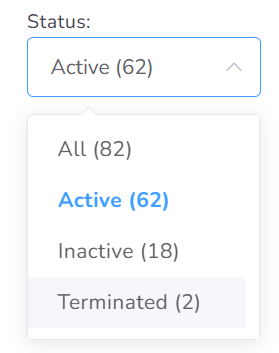
Top right selectors
You can filter the users by All, Active, Inactive, or Terminated.
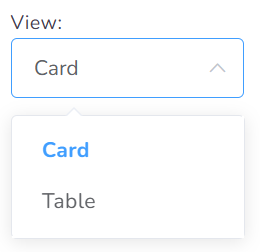
You could also decide to show the Users in the Card or Table view.
Search Bar

You can filter all users using the Search bar available. As soon as you start typing, the cards displayed will be filtered. You are allowed to search by user name, email, phone, credential, etc.
User Card
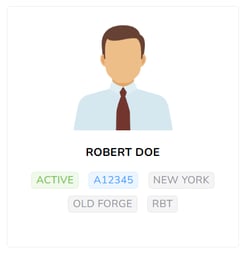
Each user will be represented by the avatar and the name right below.
Actions
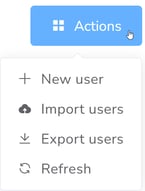
- + New user – For adding new Users to the system, you need to click the New user button.
- Import Users – You can import the user profile from other software programs or others agencies within Office Puzzle.
- Export Users – If you would like to export all users at once into Excel you could do so by clicking the Export option.
- Refresh – You can update the list of users by clicking on this option.
New User Wizard
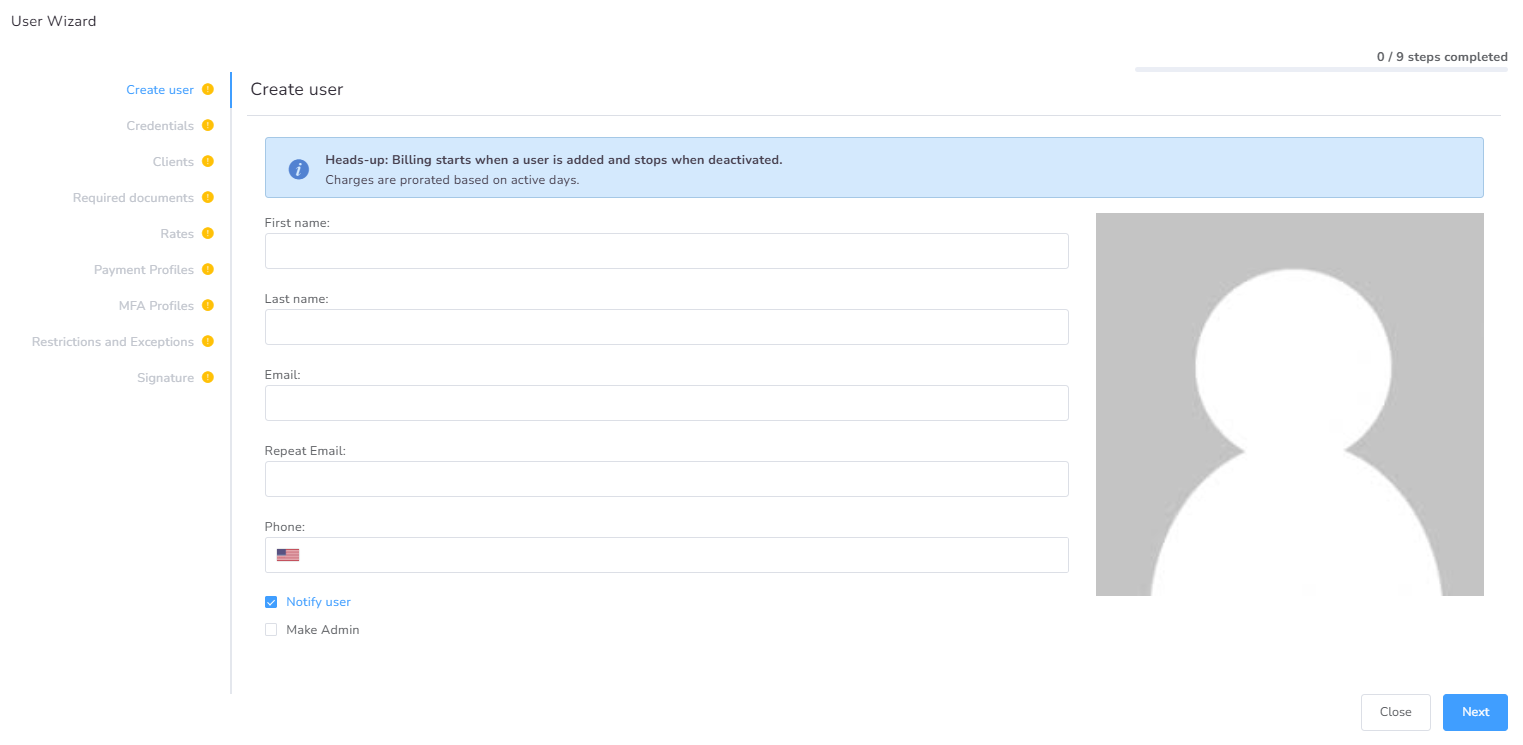
The information requested in the New user form is the basic information expected of every user. Please take note that just the first page of the User Wizard is mandatory; the rest can be completed later. However, if you have the information and time, we suggest doing it at that moment since this wizard facilitates the inclusion of all user-related information.