
Summary:
Step 1- From the Agency Dashboard, access Billing.
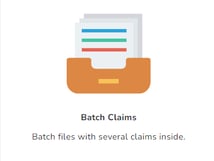
Step 2- Click on Batch Claims.
Step 3- Click on +New Batch.
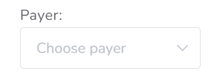
Step 4- Select Payer.
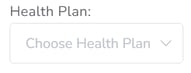
Step 5- Select Health Plan.
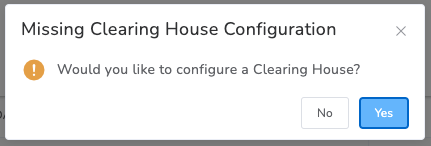
Step 6- If the Clearing House for the selected insurance is not configured, the system will prompt you to set it up. Click Yes.
If you already have a configured Clearing House select that integration if not select New Integration.
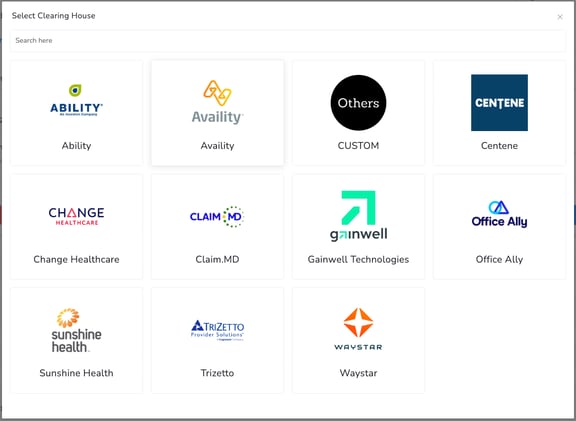
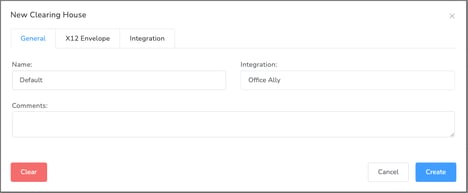
Step 7- Select the appropriate Clearing House for the payer and complete the required information, a Default Clearing House configuration is typically more than enough.
Step 8- Follow the rest of the steps described at: https://help.officepuzzle.com/mastering-billing-with-batch-claims
Clearing House integration within Office Puzzle
Step 1- From the Agency Dashboard, access Billing.

Step 2- Click on Batch Claims.
Step 3- Click on +New Batch.

Step 4- Select Payer.
Step 5- Select Health Plan.
Step 6- If the Clearing House for the selected insurance is not configured, the system will prompt you to set it up. Click Yes.
If you already have a configured Clearing House select that integration if not select New Integration.
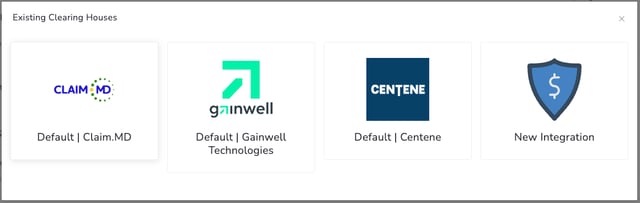
Step 7- Select the appropriate Clearing House for the payer/health plan.
Complete the required information, a Default Clearing House configuration is typically more than enough.
Step 8- Follow the rest of the steps listed at: https://help.officepuzzle.com/mastering-billing-with-batch-claims